Android PIe
1. Adaptive Battery

If you used the Doze feature in Android 6 which hibernates all apps not being at that moment, the adaptive battery feature is an improvement of that and it is enabled by default.
2. Dark Mode
You can manually choose to go dark on your Android device by heading to Settings > System > Display > Advanced > Device theme and choosing “Dark“.
3. App Actions
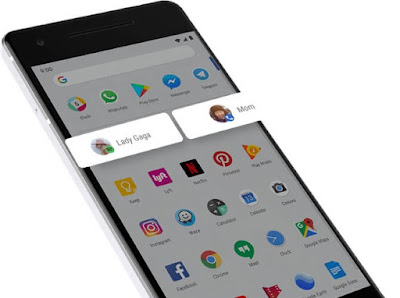
This is similar to the app shortcuts that you can summon by long pressing on icons but quite different given the fact that it is Google launcher giving you suggestions of things to do with your phone.
For example, your phone will suggest your most recent playlist when you connect earphones to it. Or suggest that you call your mom to check on her during the week.

Comments
Post a Comment